
If your desktop uses DDR4 and needs more memory, a supported DDR4 kit lets you add capacity without changing platforms. DDR5 needs a compatible motherboard, so switching generations can mean buying more than RAM. For a new build, choose the processor and motherboard first, then compare the cost of the complete system.
The DDR4 vs DDR5 decision comes down to compatibility, capacity and the work you do. DDR5 offers higher data rates and changes how memory handles requests, but those specifications don’t promise that every application will finish faster.
Check the motherboard first
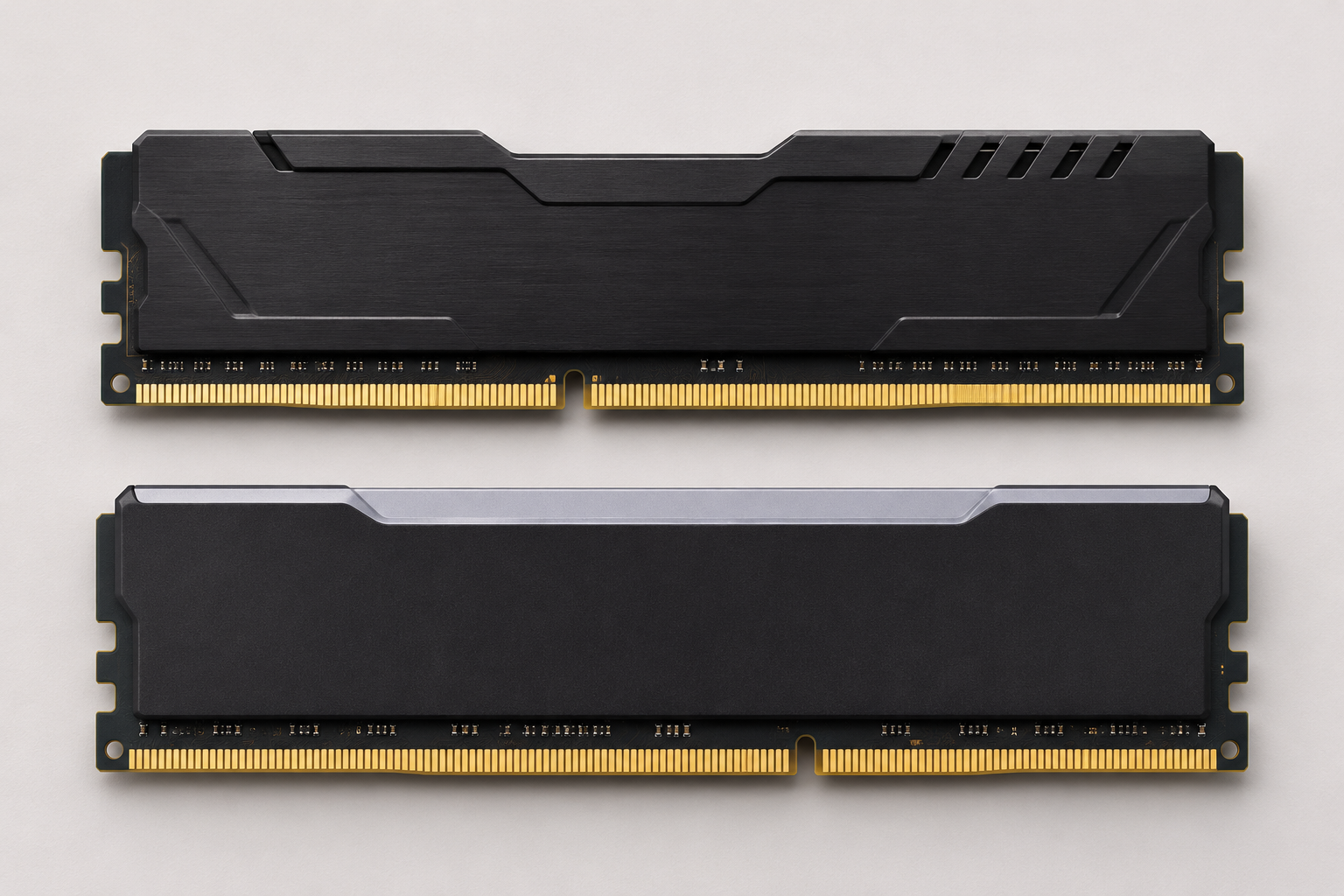
DDR4 requires DDR4-compatible slots, while DDR5 requires DDR5-compatible slots. The modules may look similar, but they’re not interchangeable. Corsair confirms that DDR5 isn’t backward compatible with DDR4 motherboards. Before ordering a kit, check the exact motherboard model and the memory it supports.
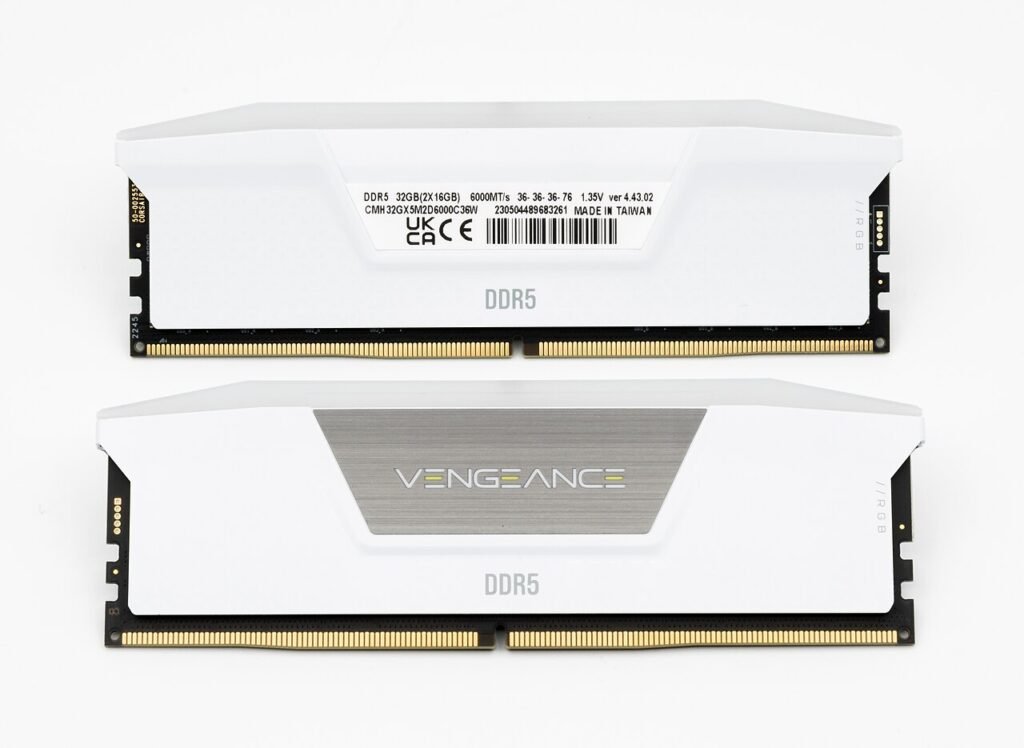
The processor’s specifications can cause confusion here. Intel lists support for both DDR4 and DDR5 across several desktop processor generations, including 12th Generation Intel Core processors. Its 12th-generation desktop Core i5 specifications list support up to DDR4-3200 or DDR5-4800.
That gives motherboard manufacturers a choice of memory technology. It doesn’t mean a particular motherboard accepts both. If you keep a DDR4 motherboard, you still need DDR4, even if the processor family can use DDR5 with an appropriate board.
For an existing computer, start with the board you own. For a new computer, check the memory requirements of the board you plan to buy. In either case, the exact model matters more than a broad statement that the processor supports both generations.
What DDR5 changes
| Feature | DDR4 | DDR5 |
|---|---|---|
| Motherboard slots | Requires DDR4-compatible slots | Requires DDR5-compatible slots |
| Example data rates | DDR4-3200 | DDR5-4800 and higher |
| Standard memory voltage | 1.2V | 1.1V |
| Data channels per module | One 64-bit channel | Two independent 32-bit subchannels, with a combined width of 64 bits |
| Power management | On the motherboard | On the memory module |
Memory data rates use MT/s, meaning millions of transfers per second. DDR4-3200 is an example DDR4 rate; DDR5-4800 and higher are examples for DDR5. A DDR5-4800 module has a higher transfer rate than a DDR4-3200 module. That extra bandwidth is most useful when the processor’s workload benefits from moving more data through memory.
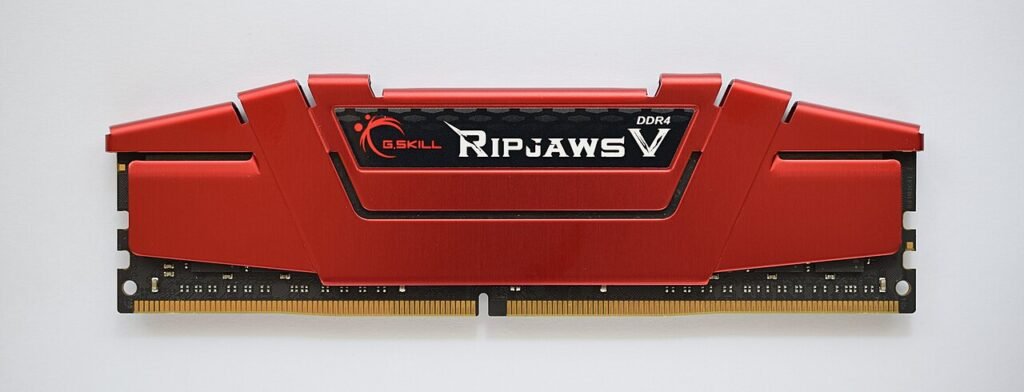
DDR5 also changes how a module handles requests. DDR4 modules have one 64-bit data channel. DDR5 modules split that into two independent 32-bit subchannels, retaining a combined data width of 64 bits. Intel explains that the two DDR5 subchannels can handle separate requests simultaneously, improving how the module serves those requests.
Power management moves as well. DDR4 uses power management on the motherboard, while DDR5 puts it on individual memory modules. Intel explains that this allows power regulation to be tuned for the module.
Standard memory voltage falls from 1.2V for DDR4 to 1.1V for DDR5. Micron documents DDR5’s lower standard voltage, higher data rates and higher-density memory chips. The voltage difference doesn’t establish a fixed reduction in a whole computer’s electricity use.
Match capacity to your workload
A faster memory specification alone doesn’t tell you how much faster your computer will feel. Kingston says performance gains depend on the processor, graphics card, software and workload. Browsing, office applications and basic streaming generally show less difference between DDR4 and DDR5.
For everyday computing, Kingston places more importance on capacity than memory generation. If your working DDR4 desktop needs more memory, a supported DDR4 kit addresses that need without requiring a motherboard replacement. Changing to DDR5 is a broader purchase, and its extra bandwidth may be less useful for those everyday tasks.
DDR5’s higher-density chips also allow larger memory configurations with fewer modules. That can matter when capacity is a reason for choosing a platform. Consider both the amount of memory your work needs and whether it benefits from more bandwidth.
When comparing prices, use equal capacities. Otherwise, you’re comparing a change in memory generation and a change in the amount of memory at the same time.
Compare the full upgrade cost
For a DDR4 desktop, include a replacement motherboard and any other required components in the cost of moving to DDR5. Comparing the RAM kits alone leaves out part of the purchase. If the computer works well and simply needs more capacity, supported DDR4 avoids that platform change.
For a new build, compare the complete processor, motherboard and RAM cost. Choose DDR5 when the platform requires it or when its bandwidth and capacity suit your workload, then check the exact kit against the motherboard’s compatibility information.
Take care when adding modules to an existing setup. Corsair says it validates its kits at their rated performance using the modules supplied together. Combining kits, even ones with the same advertised speed, may prevent them from reaching that specification. Check support for the planned memory configuration before buying additional modules.